
HOW TO STOP FACEBOOK TRACKING YOU ACROSS THE WEB (AT LEAST SOMEWHAT, AT LEAST FOR NOW):
Tired of being seeing ads for cat baths as soon as you search the web for how to bathe your cat? (That’s just an example, of course.)
Do this (I just did it to make sure that it still works):
Go to settings: Go to the Facebook app/website, tap the menu , select Settings & Privacy, then Settings.
Go to the activity section: Find and select Off-Facebook Activity (or “Your activity off Meta” in Accounts Center).
Clear past activity: Click Clear Previous Activity or “Clear History” to remove data already collected.
Turn off tracking of future off-Facebook activity: Tap Manage Future Activity, and toggle “Future Off-Facebook Activity” to Off. (This says it will also clear your past activity, but I cleared past activity anyways, just to be safe.)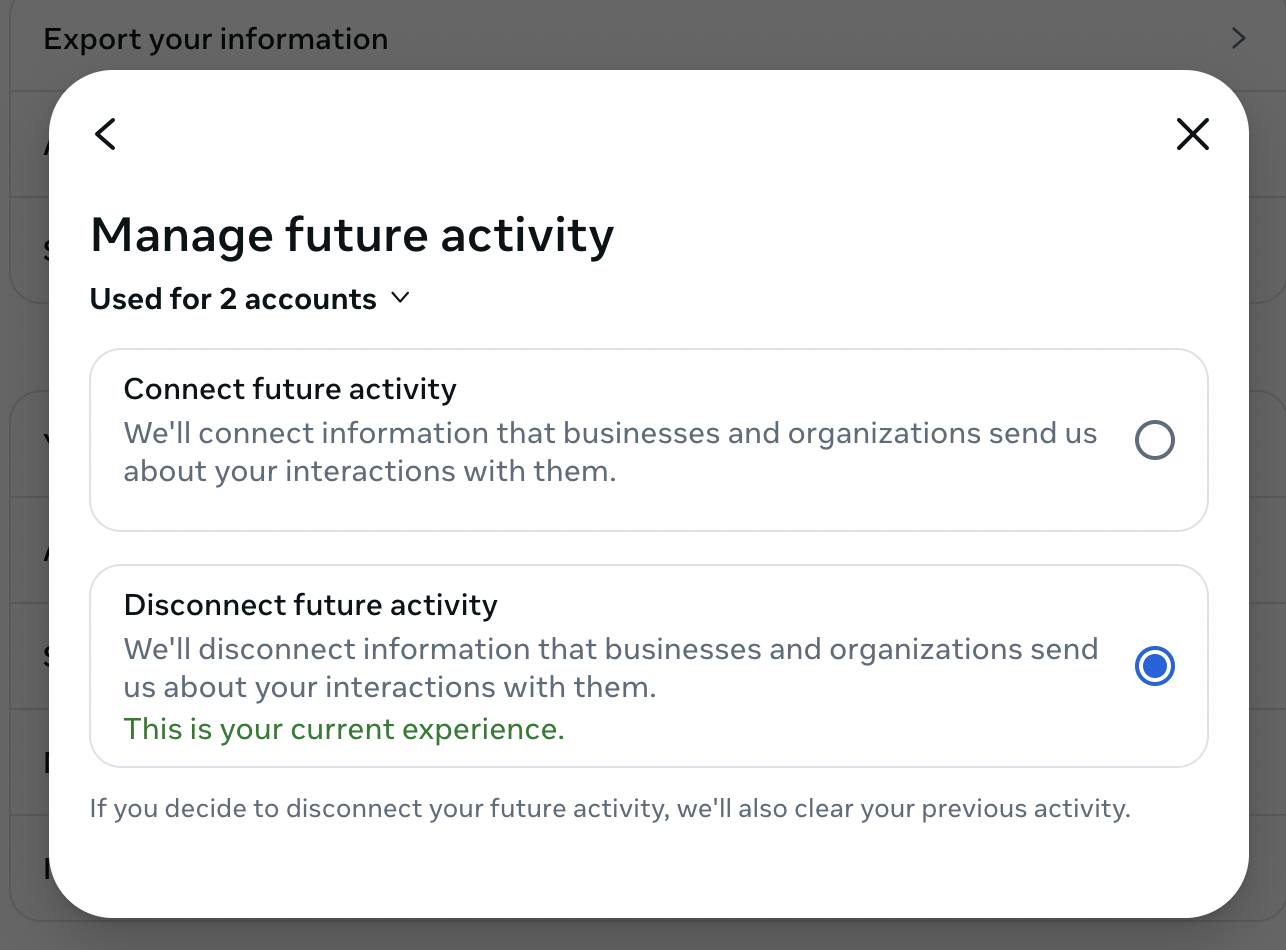
Source